How to Generate a Production Detail
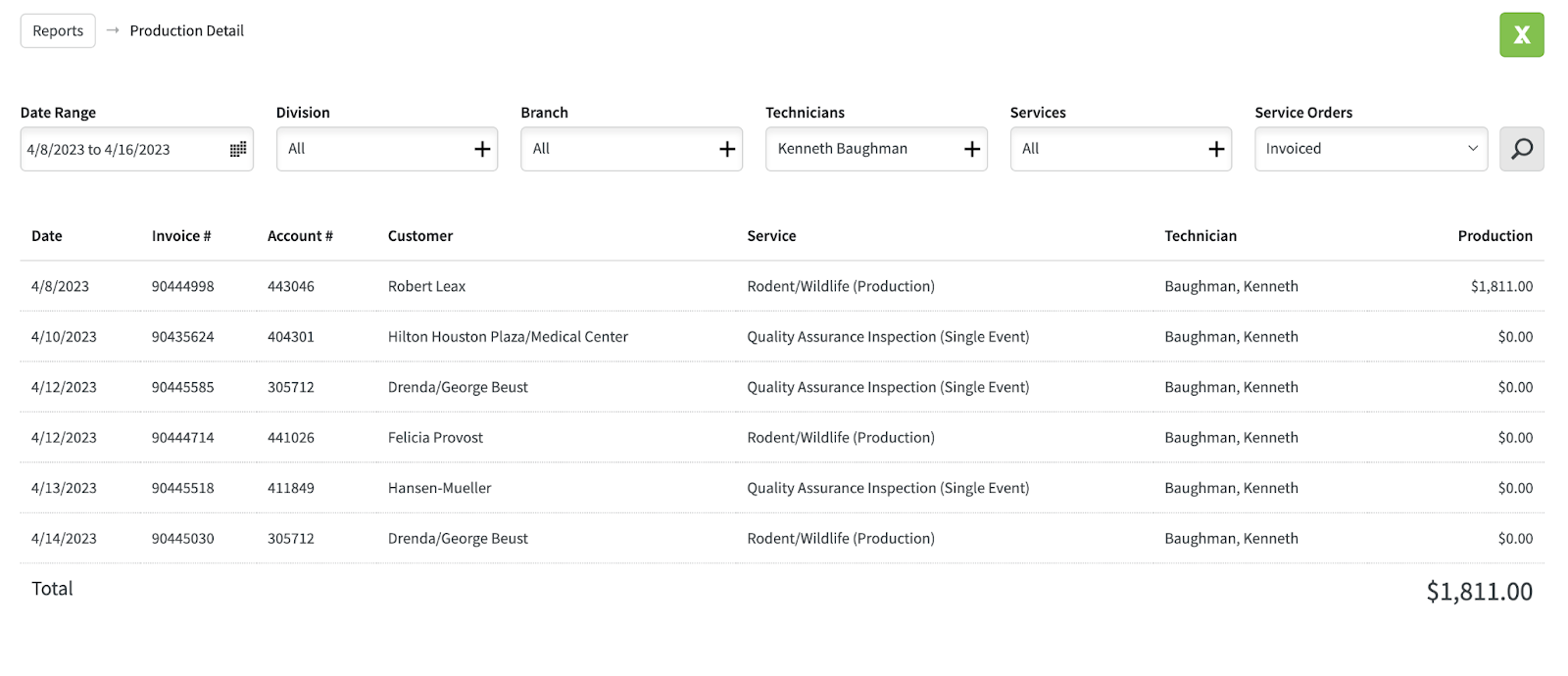
Production Detail Reports can be used to identify production in detail. Such as technicians invoiced production total and what accounts were completed.
Open the Evolve webbrowser.
Login if you are not already.

Select Reports at the Top Middle of the screen.

Select Production Detail

This is the screen that you will see.
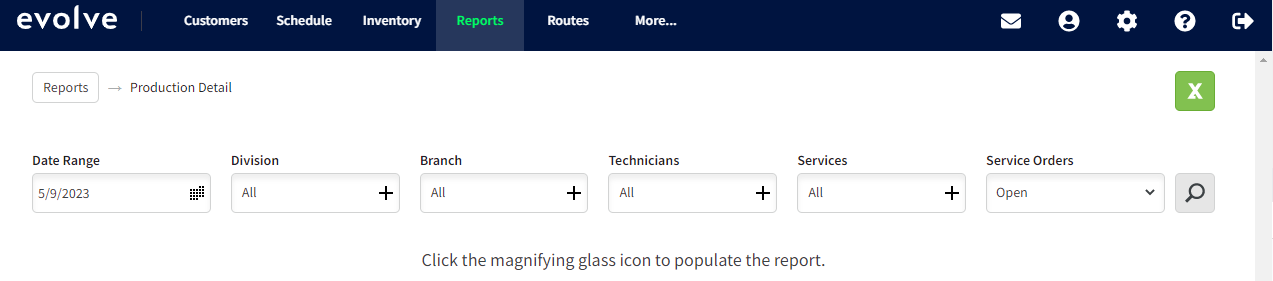
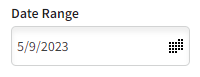
Select the desired Date Range.
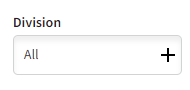
Select the desired Division(s).
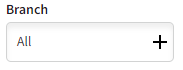
Select Branch - Houston.
Select desired technician(s).
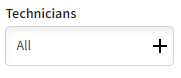
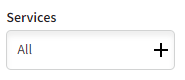
Select the desired Services.
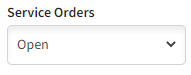
Select the desired type of Service Orders.
Invoiced: will show all Serviced Orders that have been invoiced.
Open: will show all Service Orders that are currently open.
Completed: will show all service orders that have been closed but not invoiced.
Click the magnifying glass. If you click the green X it will generate a spreadsheet in Excel.

The Report should look something like this:
Approved by:
Norman
Ben Johnson, COO 05/10/23
Steven Martin
Was this article helpful?
That’s Great!
Thank you for your feedback
Sorry! We couldn't be helpful
Thank you for your feedback
Feedback sent
We appreciate your effort and will try to fix the article