

HOW TO USE SERVICE CHANNEL APP AND EVOLVE TO COMPLETE SERVICES FOR FROST BANK ACCOUNTS
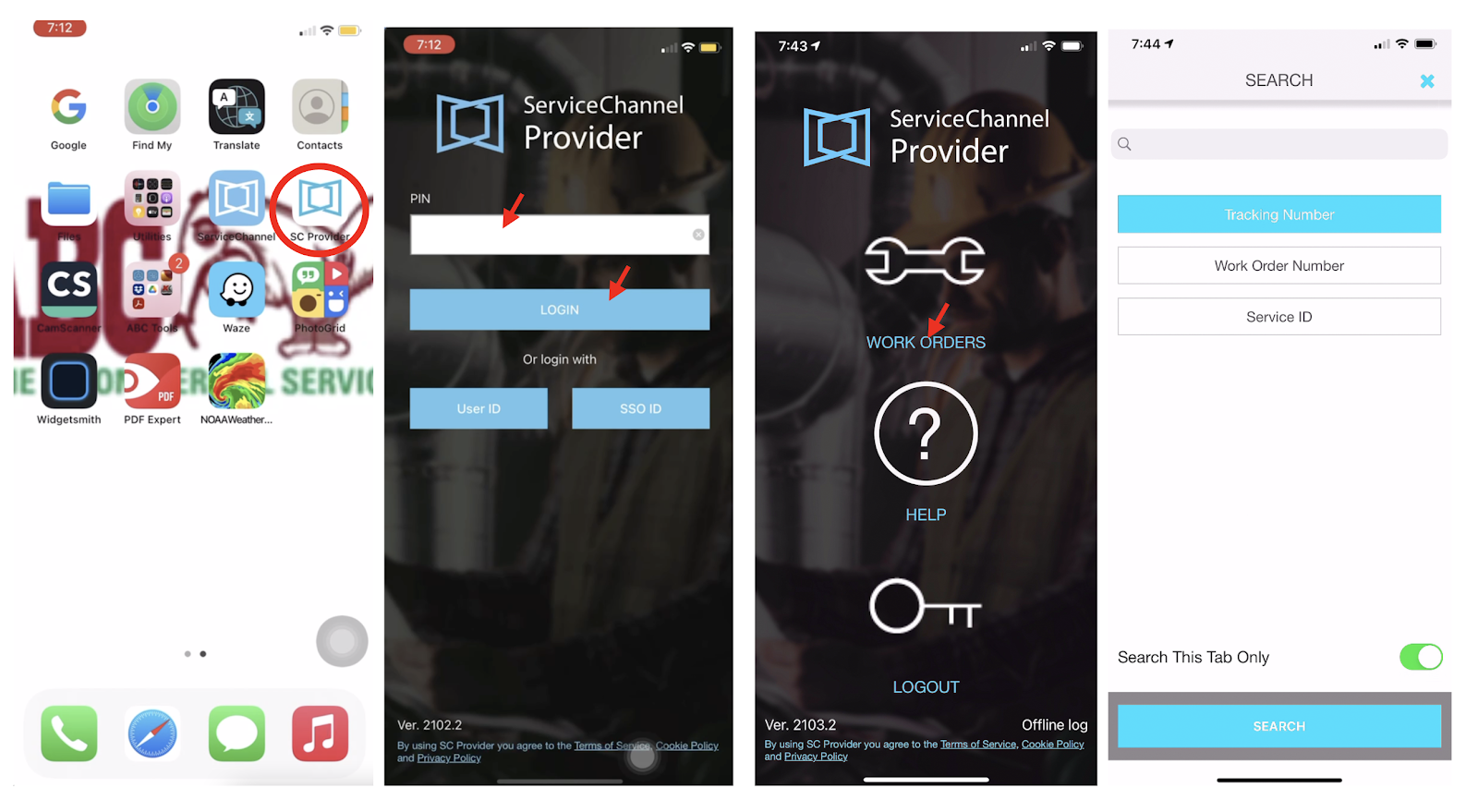
1- Go to SC Provider APP on your mobile device. 1st Time Logging in, you will need to type PIN number: FROST 4066356, 4056947 . Then select LOGIN. On the next screen, select WORK ORDERS. You will need to get the Tracking number (or Work Order number) from Evolve.
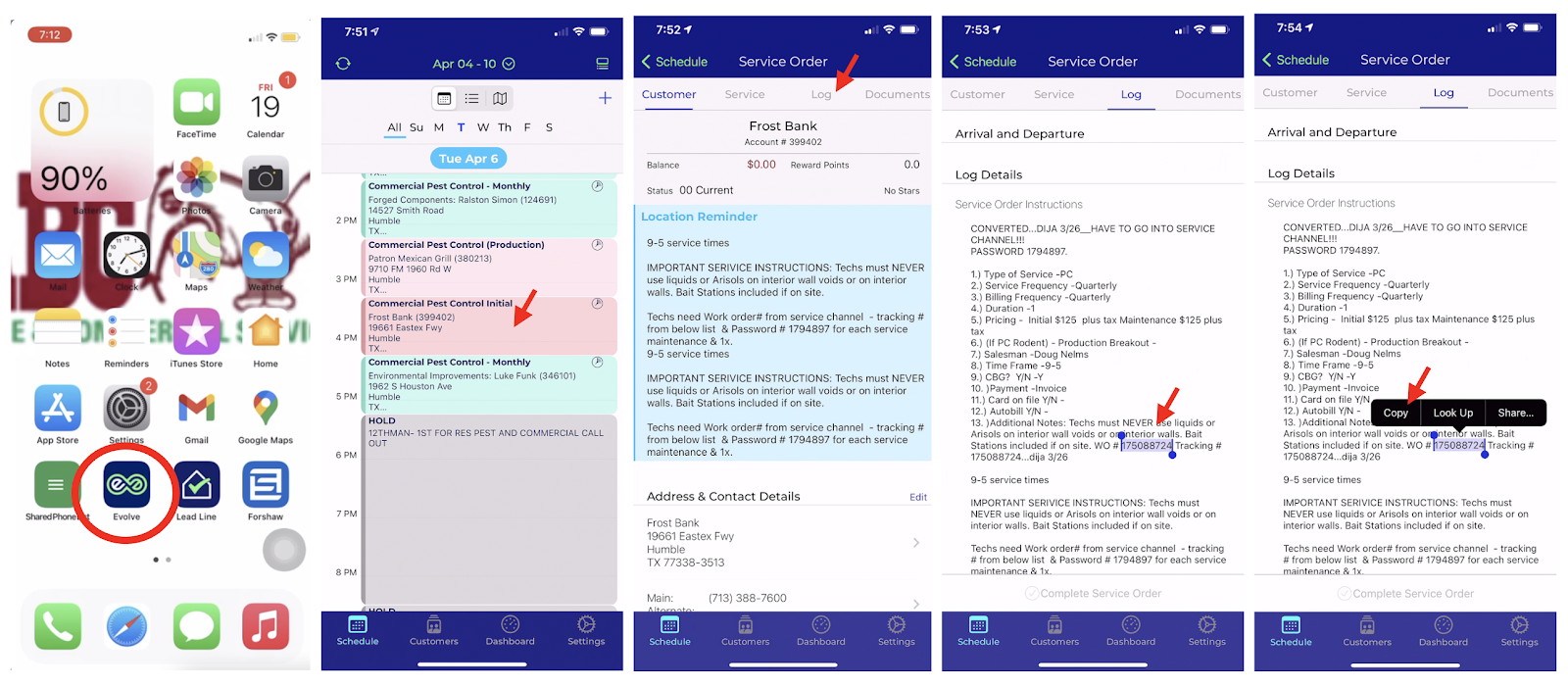
2- To get the tracking number, go to Evolve APP. Open the Appointment you have on your day for Frost Bank. Select LOG tab. Select the number right next to WO# (or Tracking #). Tap on it, select COPY. You can also write it down if you prefer.
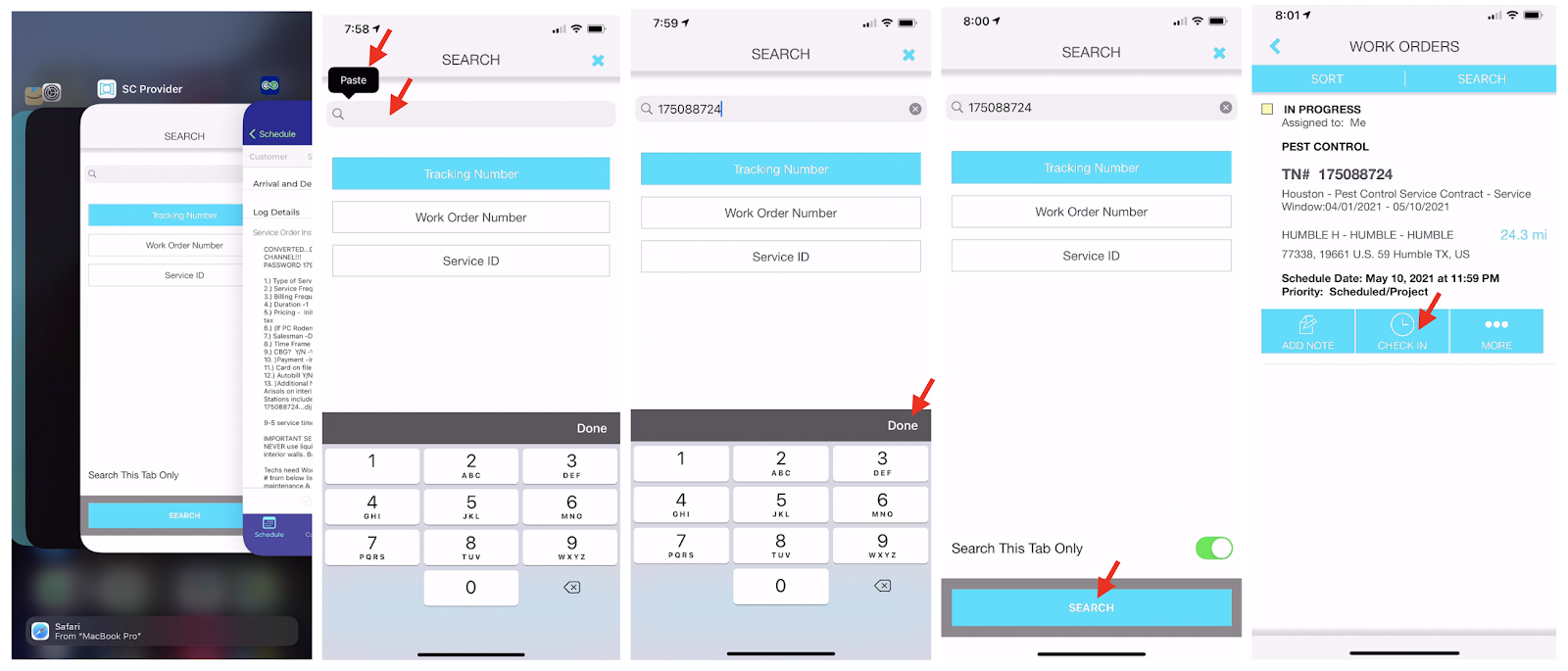
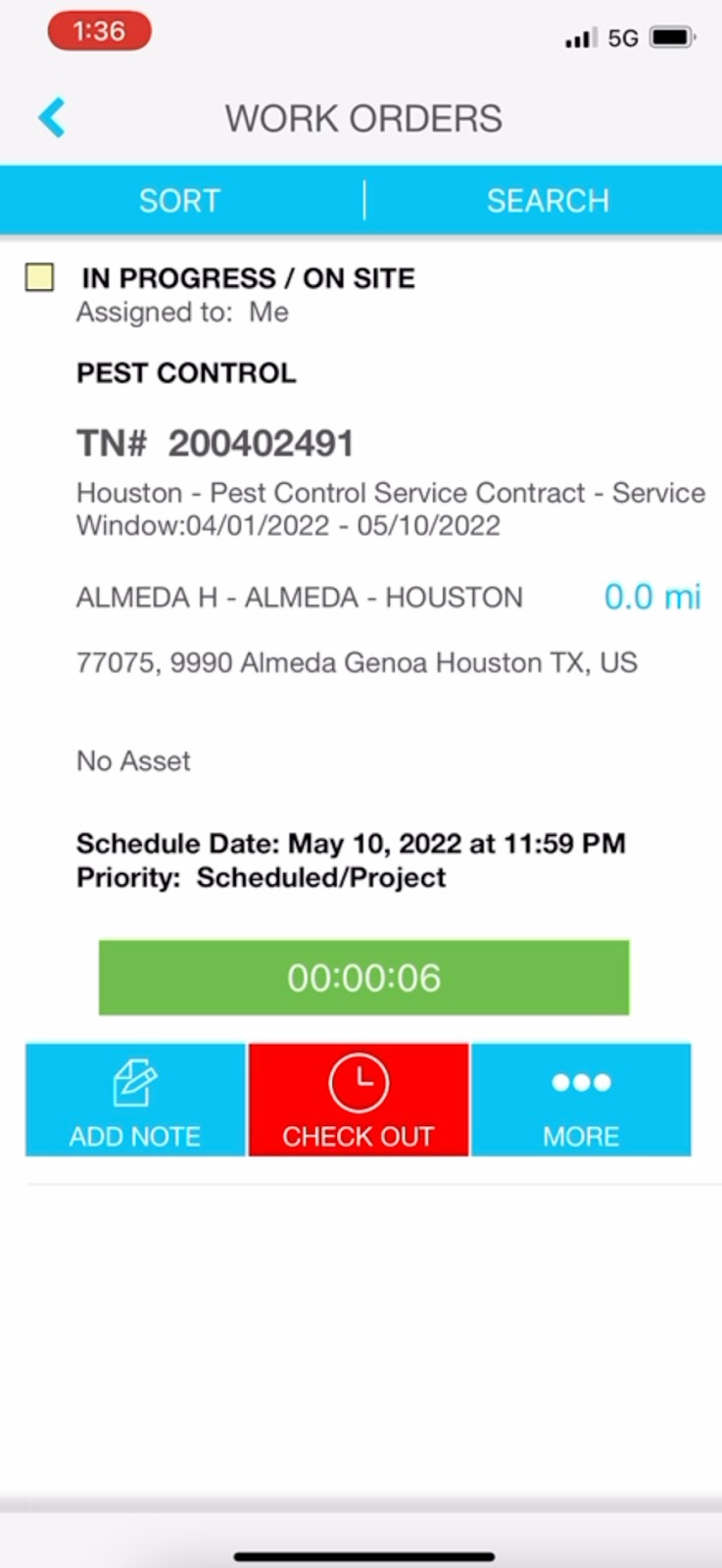
3- Go back to SC Provider APP (slowly scroll up and hold to open the apps still open on the background, then tap on the SC Provider APP). Tap on the search bar and select PASTE (or if you write it down, type the Work order number on the search bar). Select DONE, then SEARCH. On the next screen select CHECK IN.

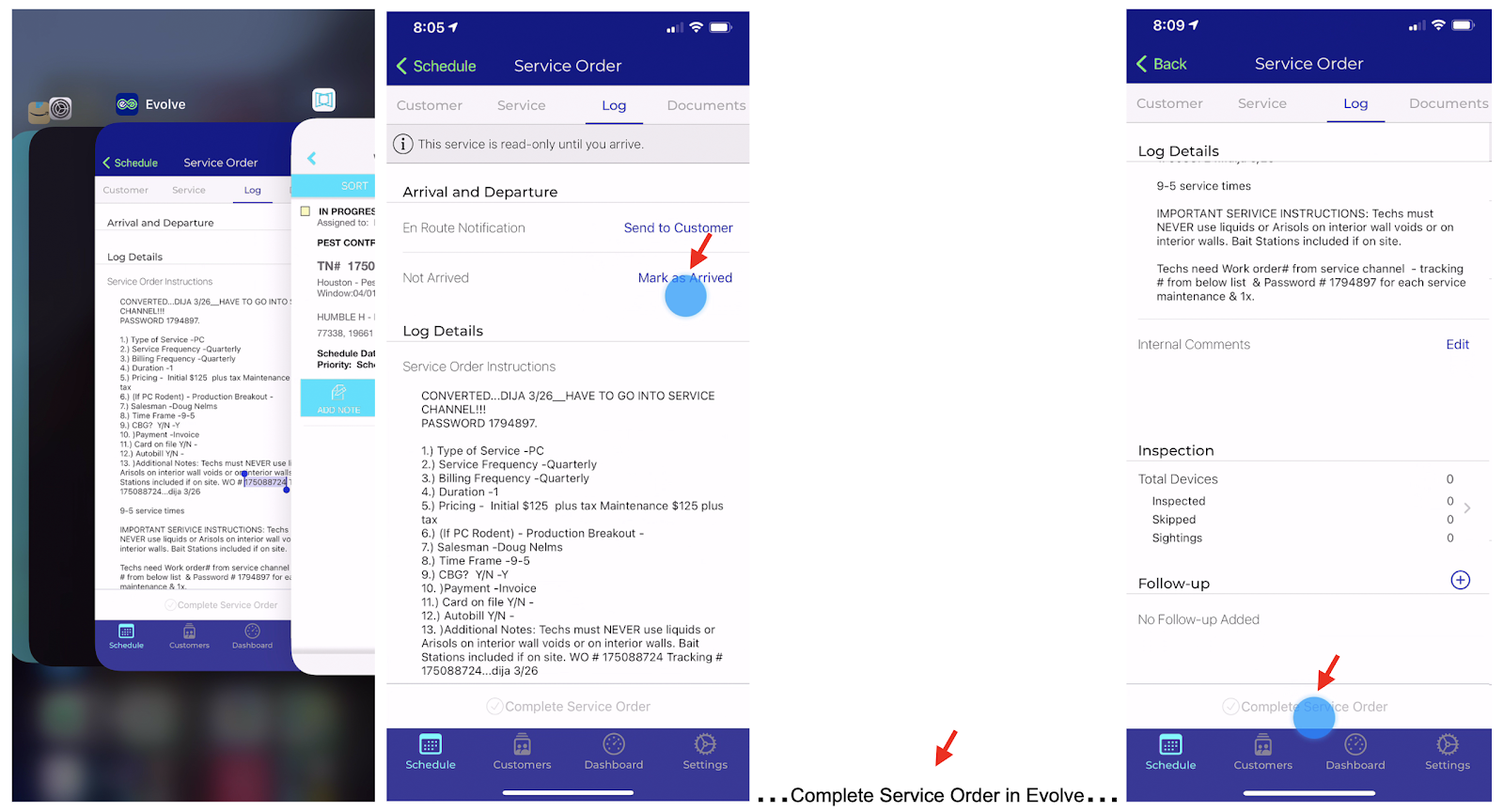
4- Go back to EVOLVE APP (slowly scroll up and hold to open the apps still open in the background, then tap on the Evolve APP). Mark As Arrived then do all the Evolve steps to complete service in Evolve (Complete Inspection, create Follow-ups if needed, go to DOCUMENT tab, add form, complete form, add pictures, etc… back to LOG, COMPLETE SERVICE ORDER...).
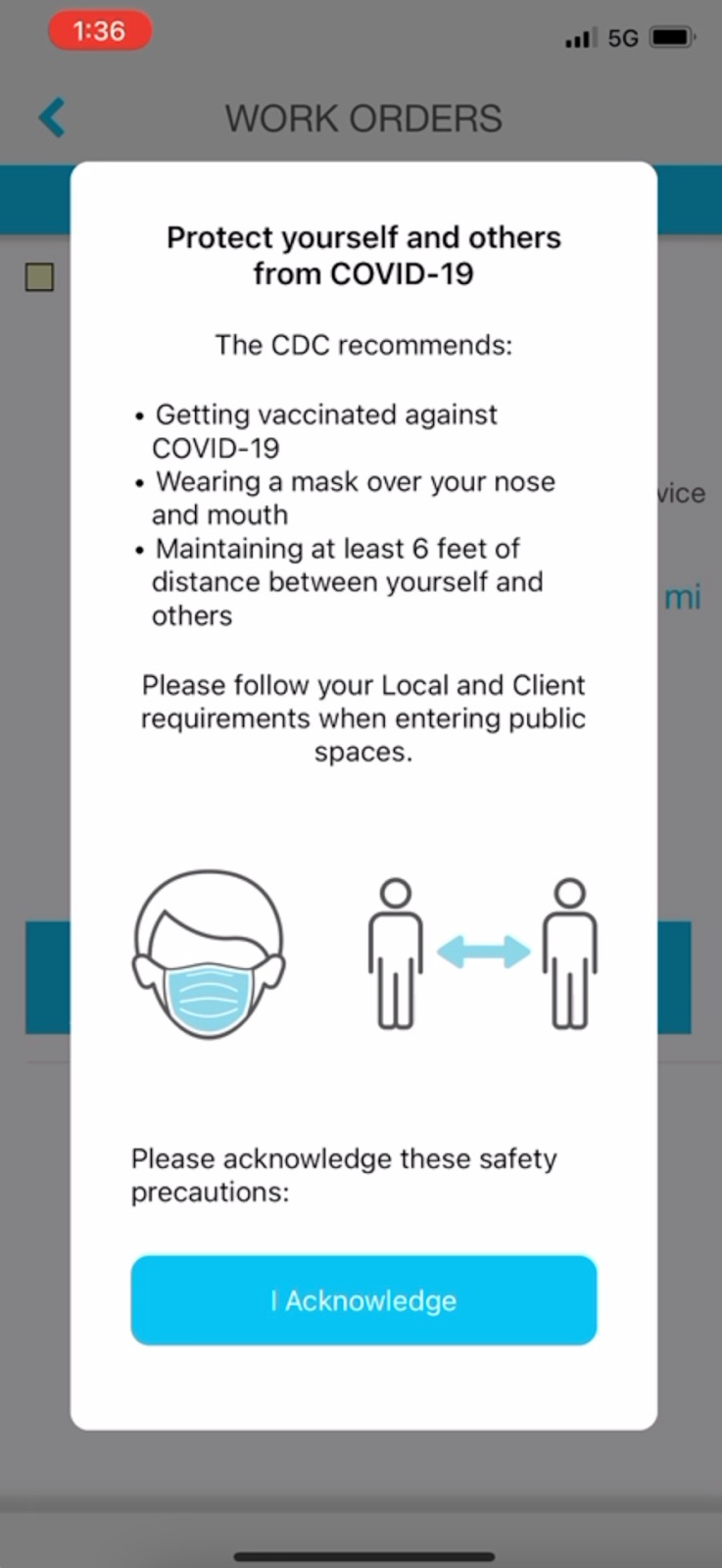
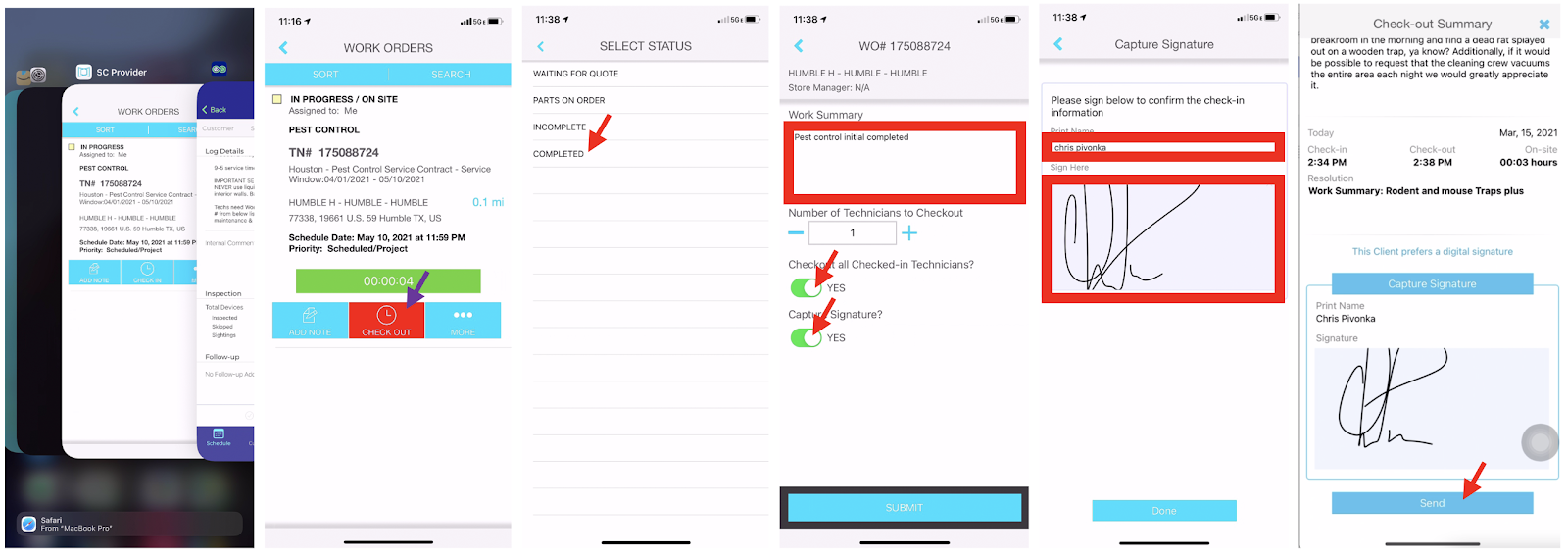
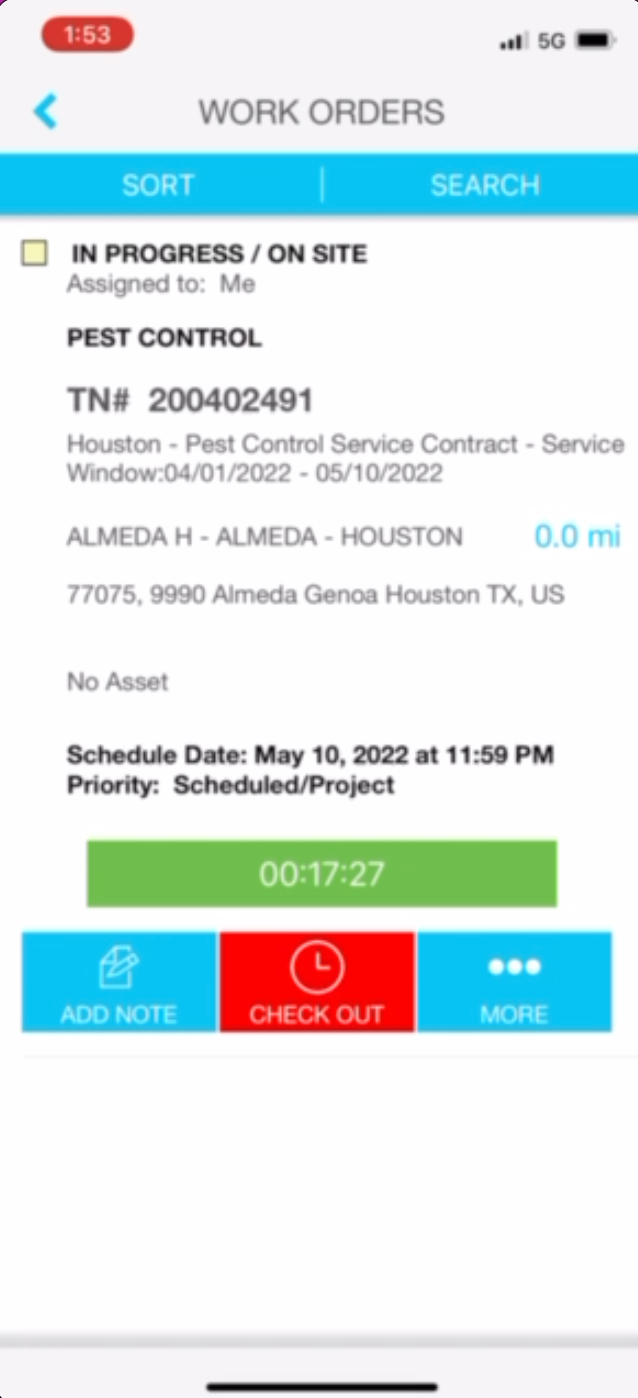
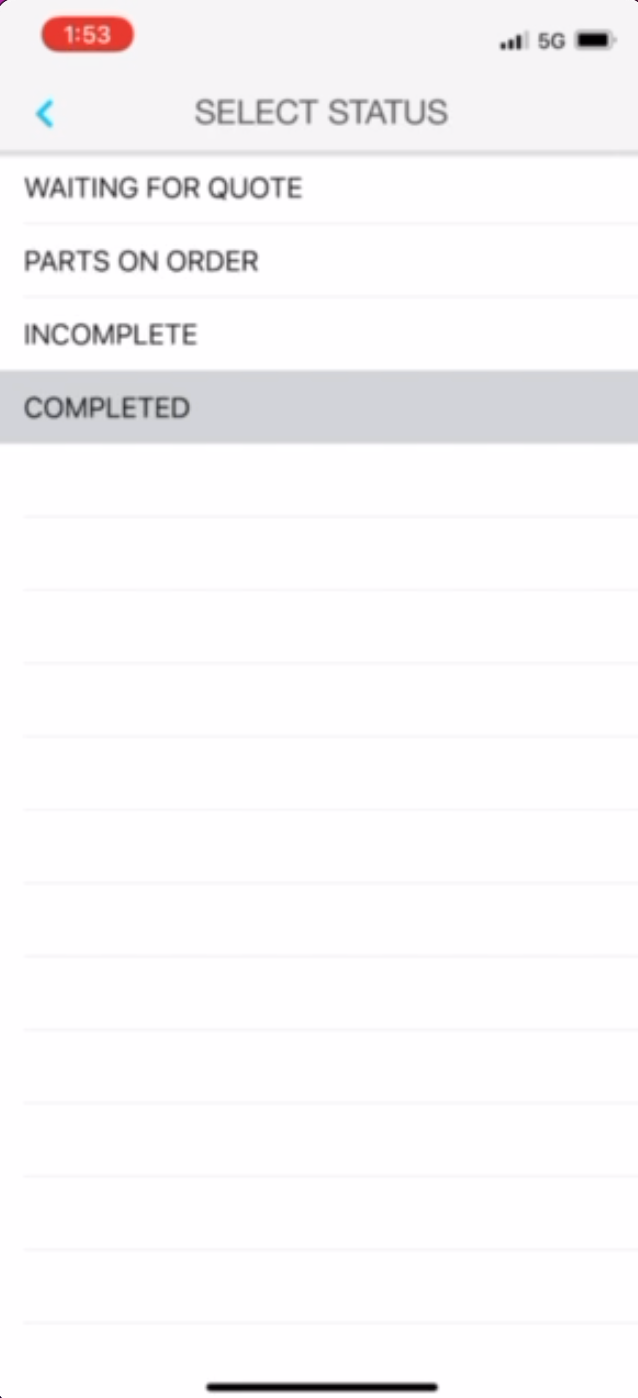
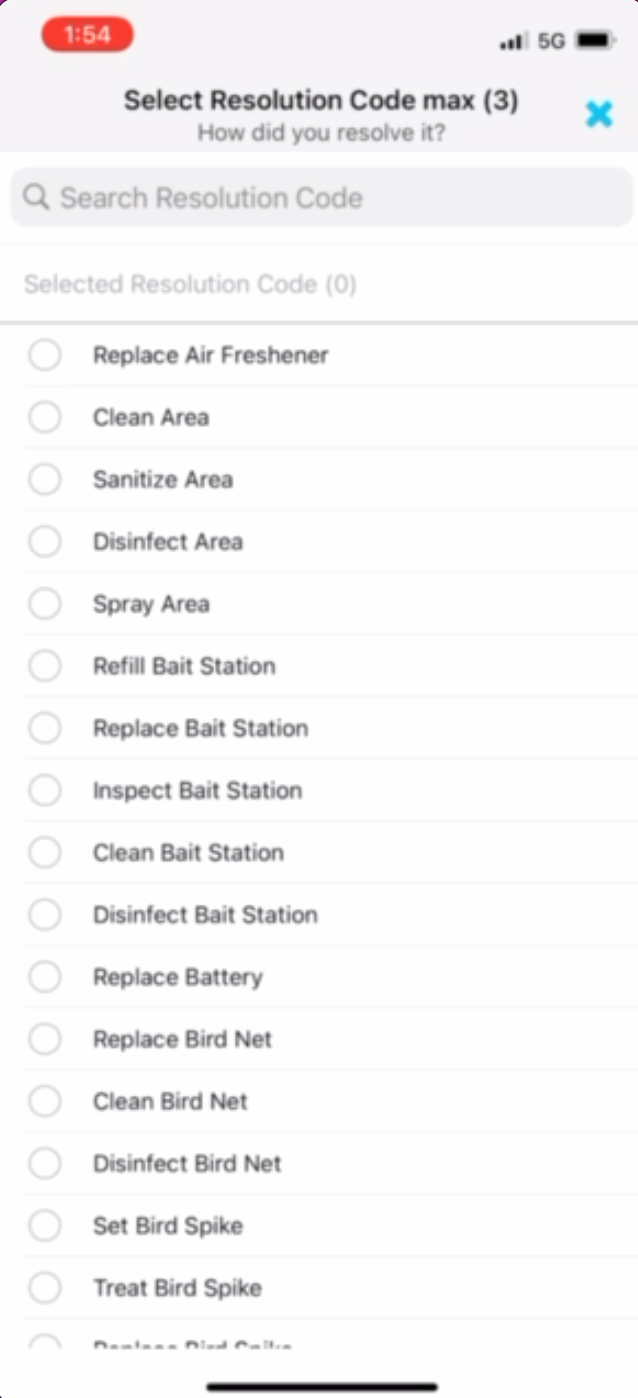
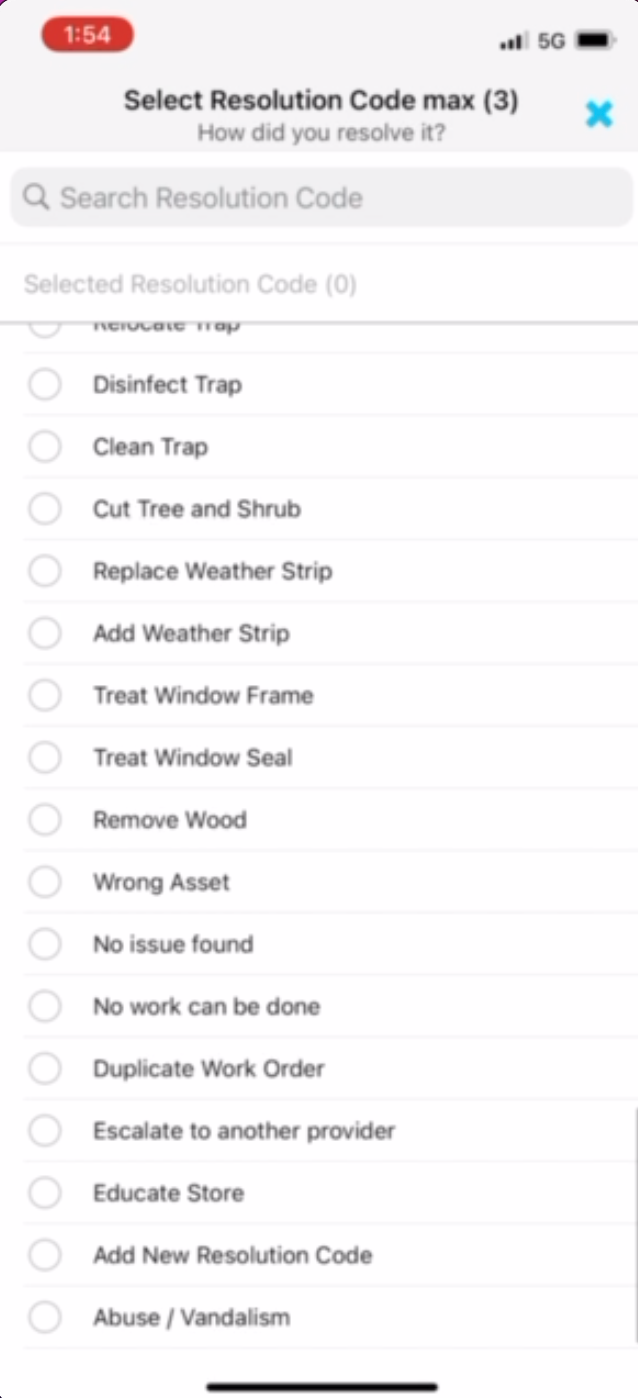
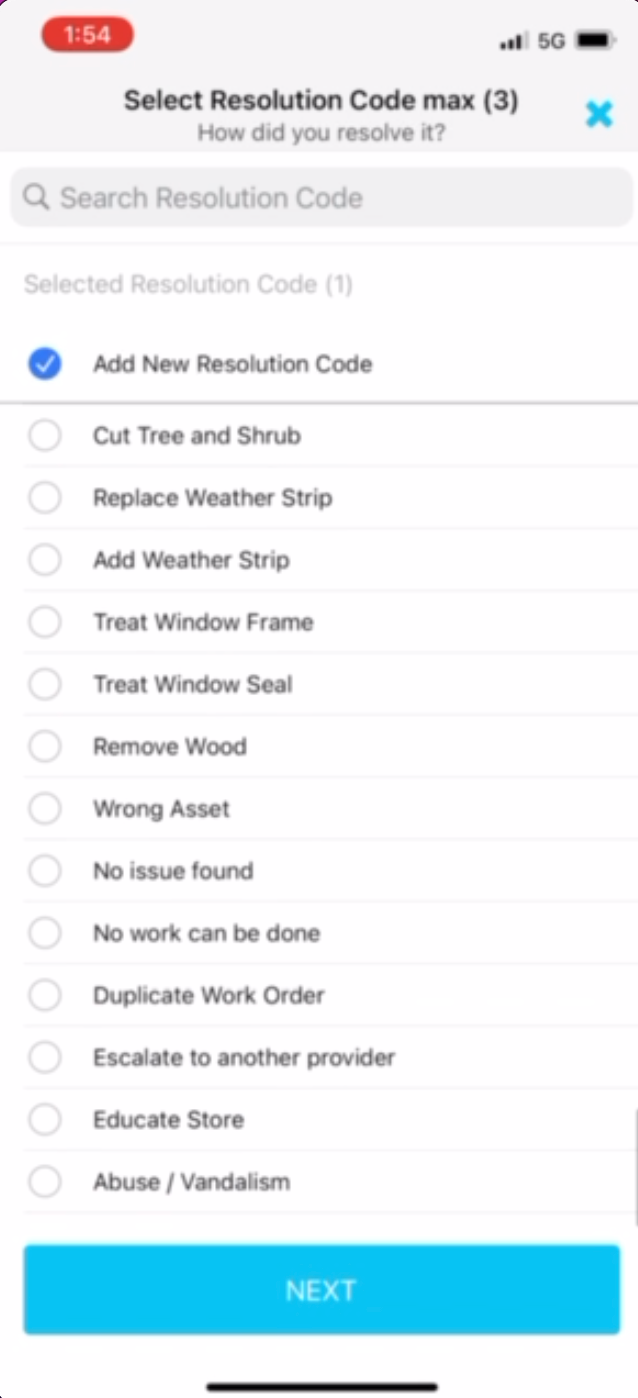
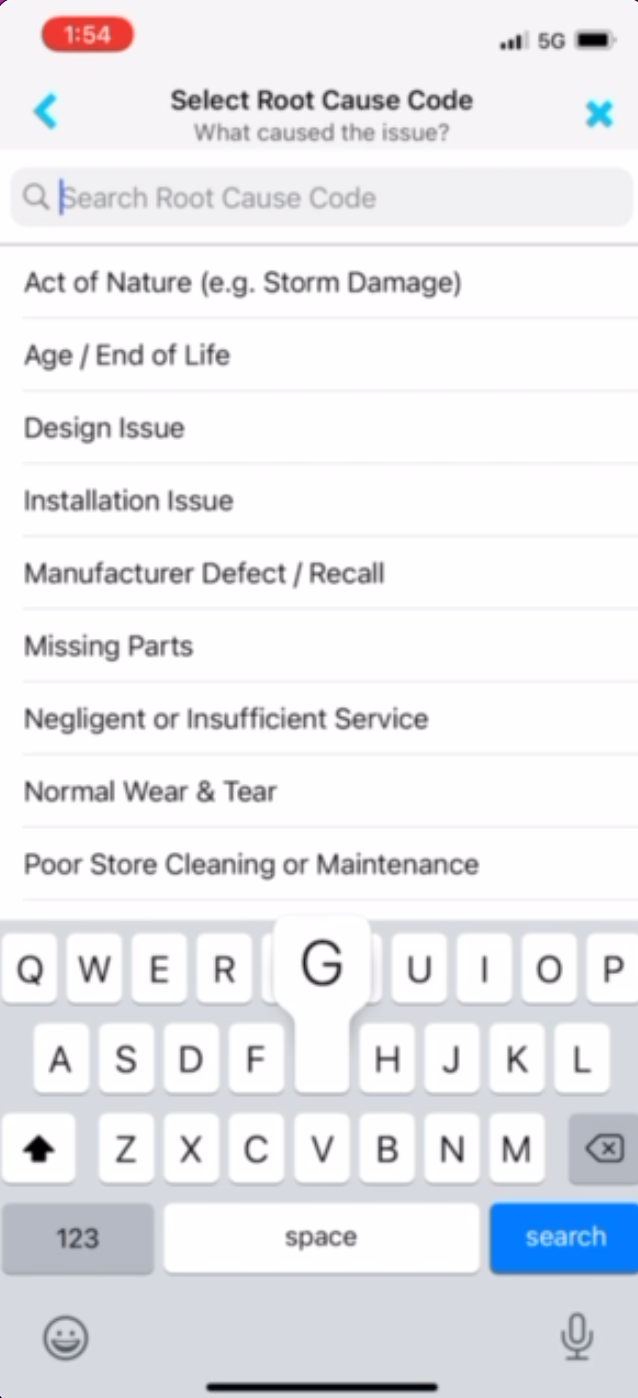
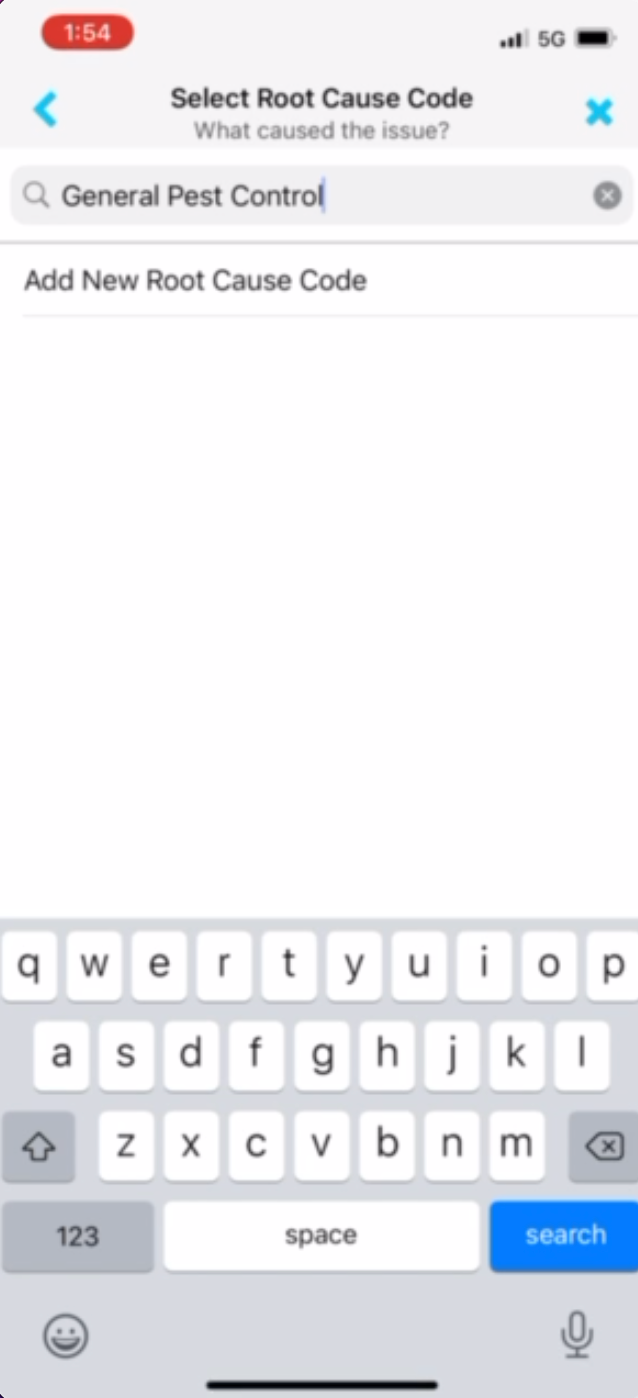
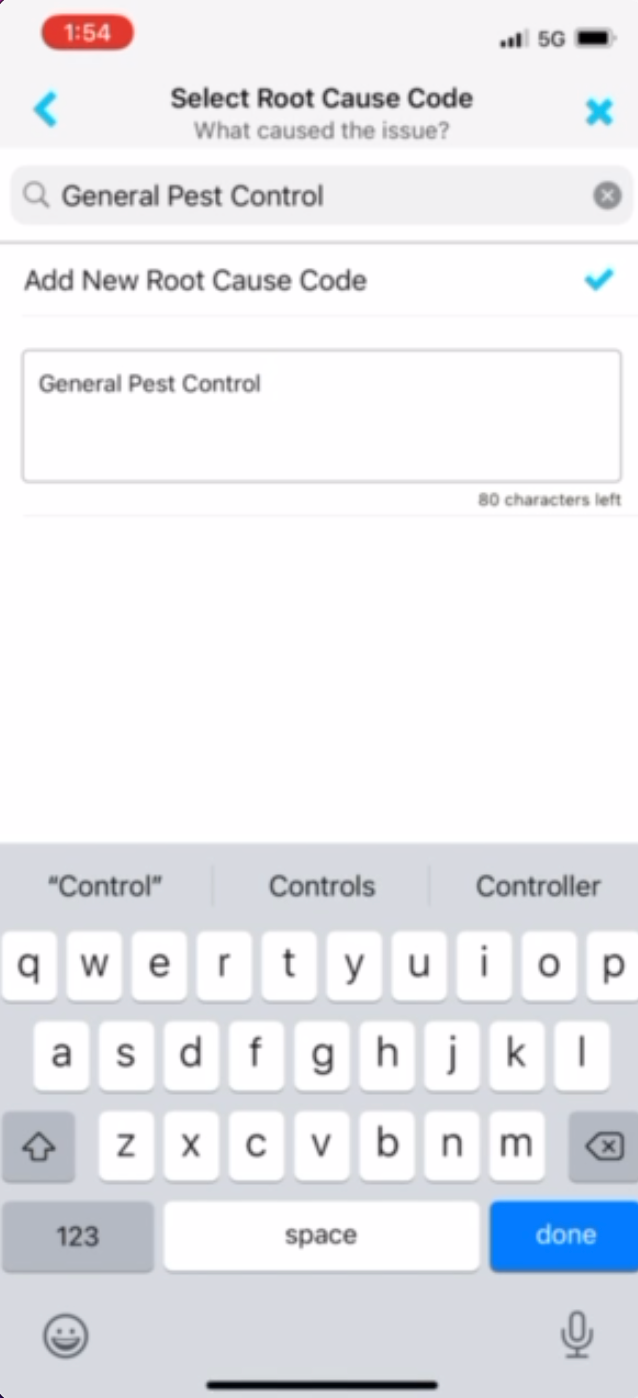
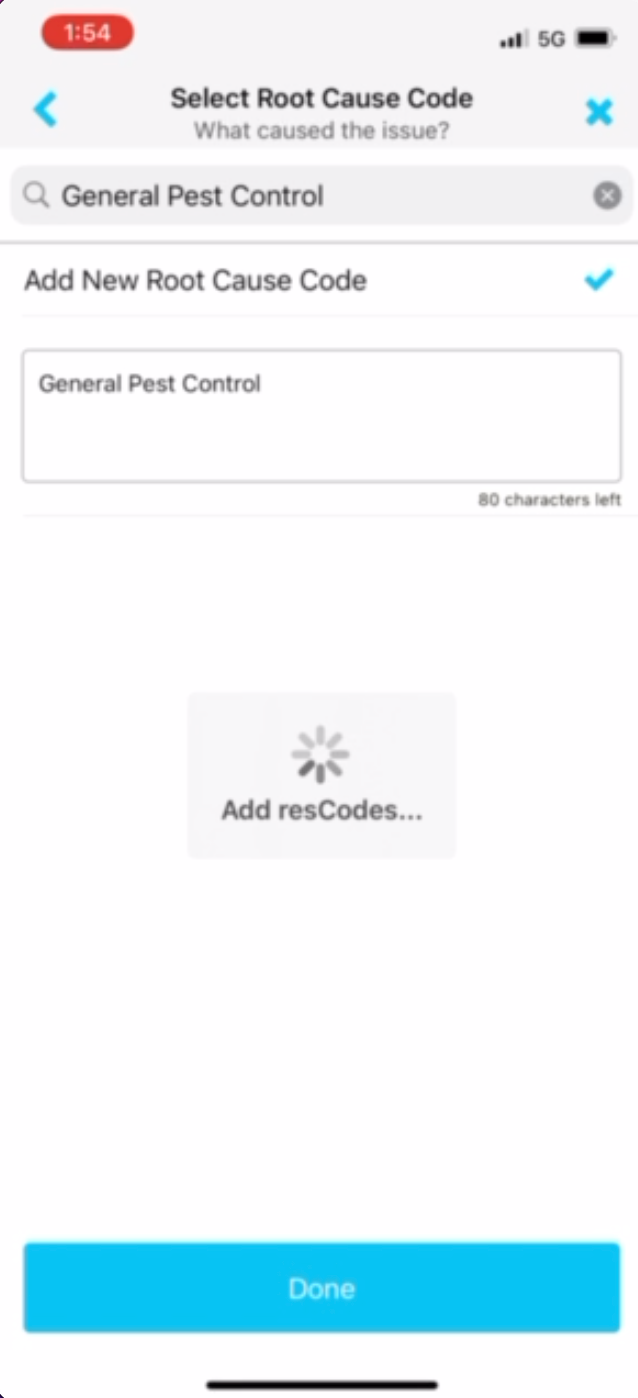
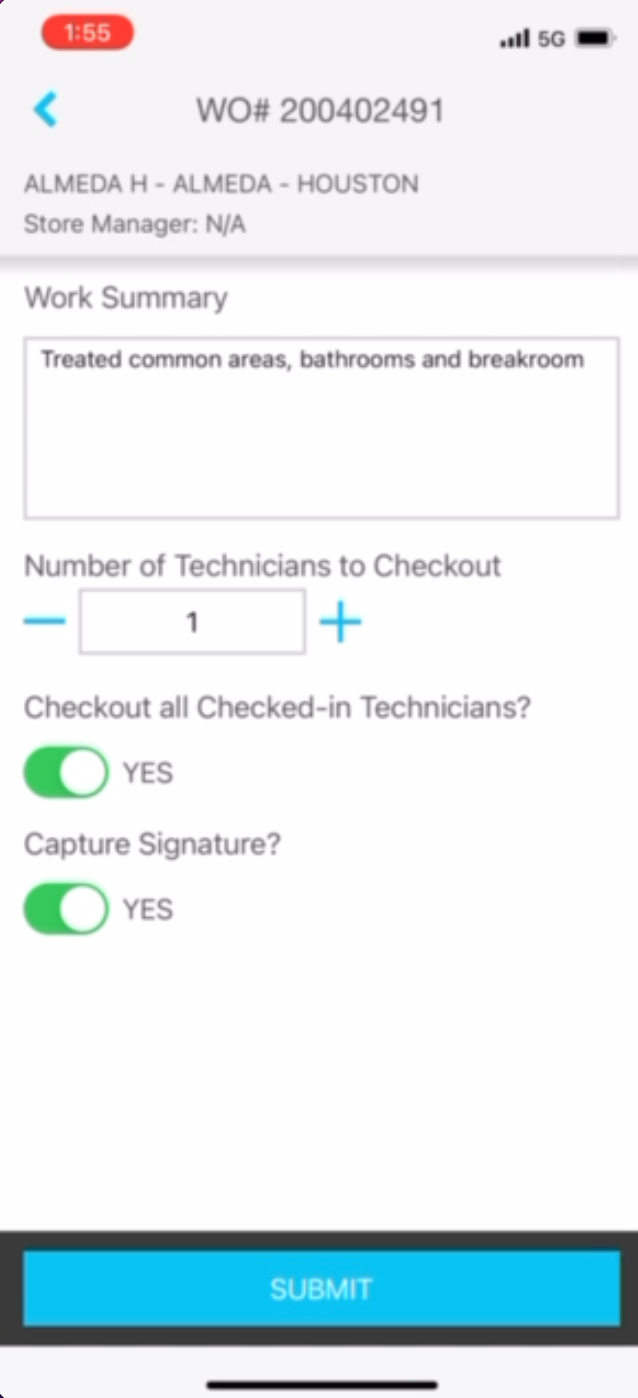
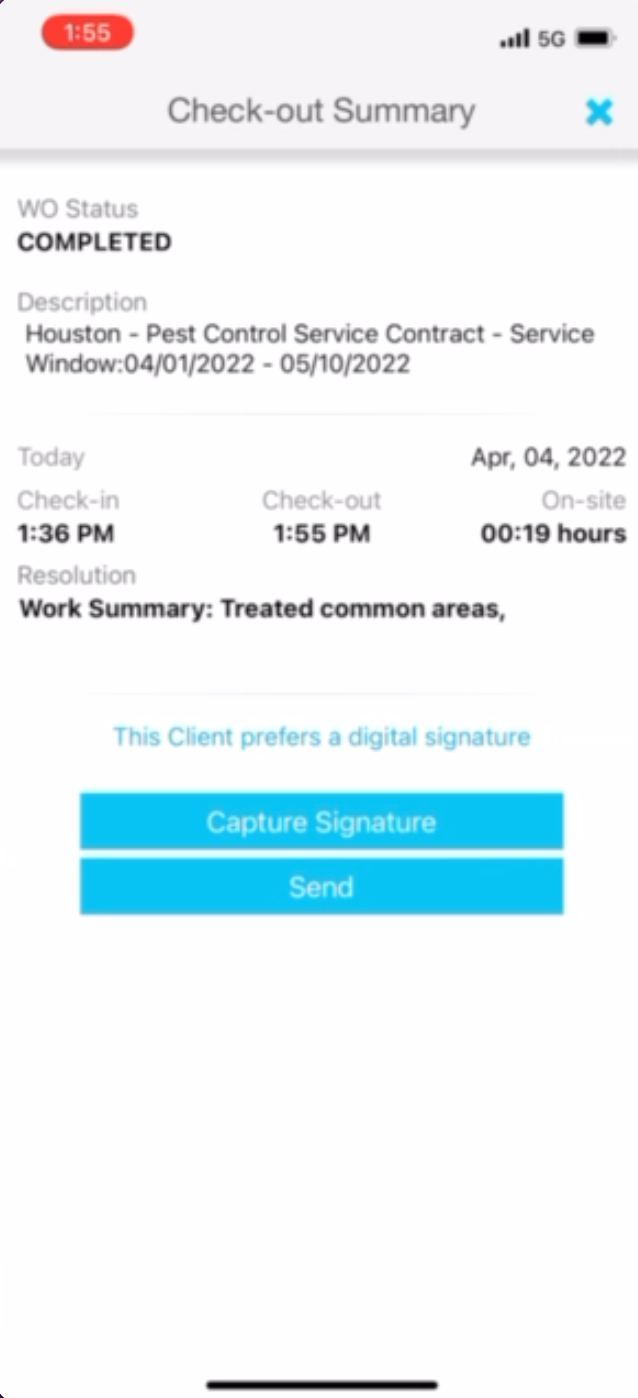
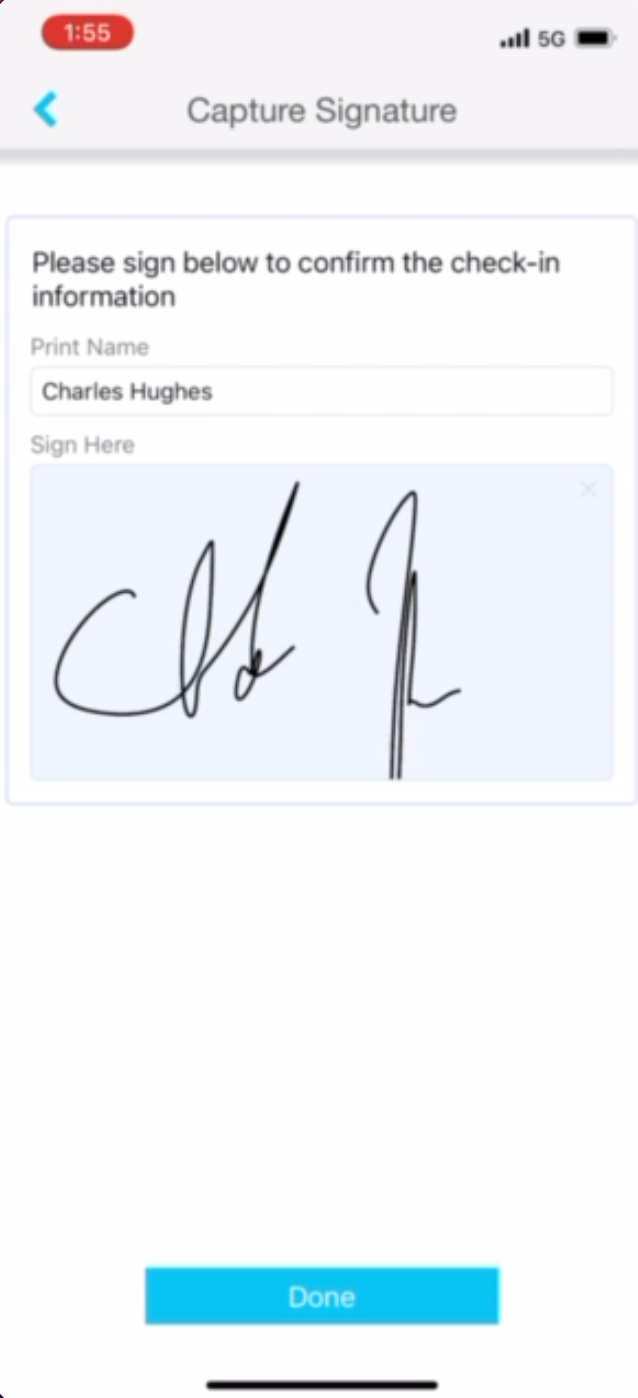
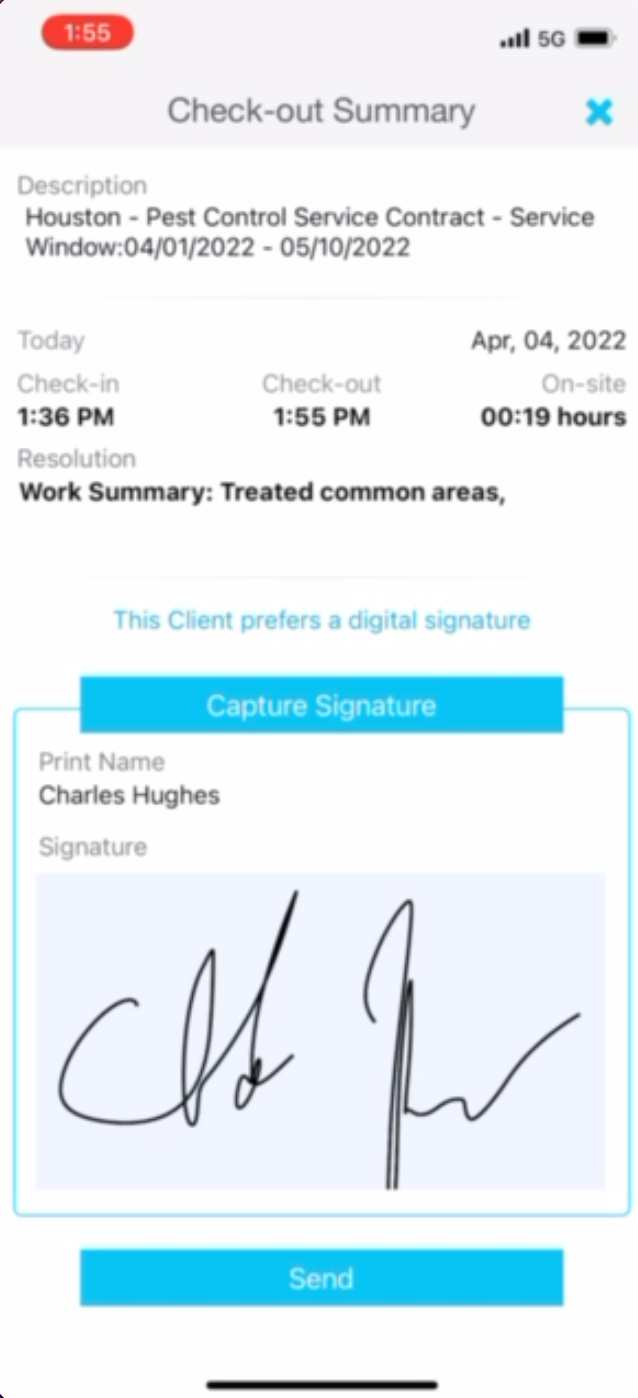
5- Return to SC Provider APP. Select CHECK OUT. On the next screen, select status COMPLETED, then (on the following screen) type Work Summary (see example below) and turn Toggle buttons on (show green for the last 2 questions). Hit SUBMIT. On the capture signature screen, type your name and draw your signature. Review Check-Out Summary Page (make sure all information is correct). Select SEND.











IMPORTANT NOTES:
Please remember to contact pgreene@goanteater.com if you have any issues with Tracking or Work Order number.
Call Tricia 832-799-7740 → If you have any questions.
MUST BE AT THE LOCATION otherwise GPS will not match and the app will not allow you to fill out the invoice
Who do you want this to be sent to? carl.holzapfel@frostbank.com
4056691 (ABC Pest Control of Houston) or FEDEX 402305 (Home and Commercial)
Approved by:
Gilda Nelms
Patricia Green
Norman
Steven Martin
Was this article helpful?
That’s Great!
Thank you for your feedback
Sorry! We couldn't be helpful
Thank you for your feedback
Feedback sent
We appreciate your effort and will try to fix the article