Paylocity Journal Entry(Phone app)
Open the Paylocity App on your mobile device.
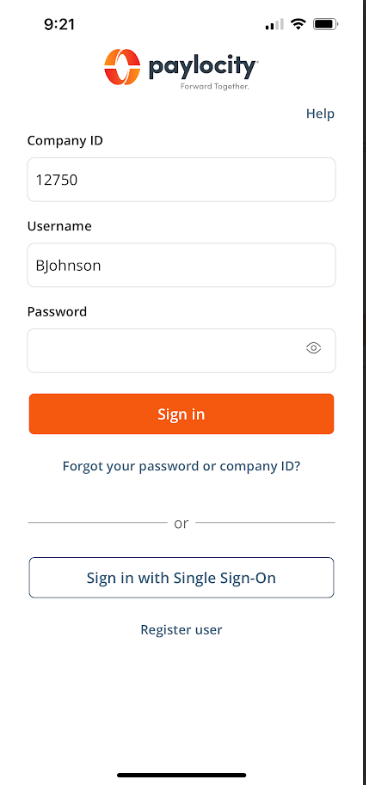
Log in if you are not already logged in with your provided login credentials.
It will bring you to the menu screen.
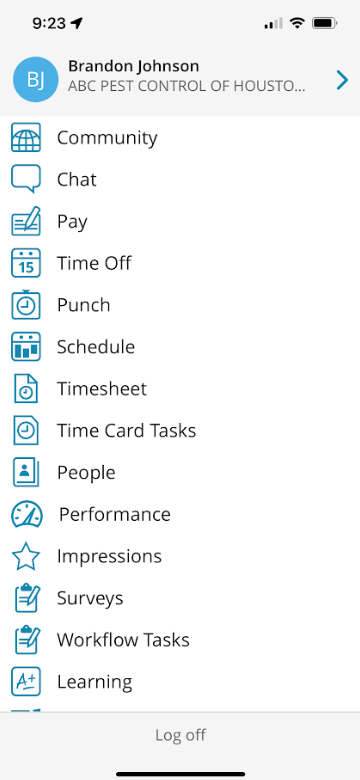
Select Performance
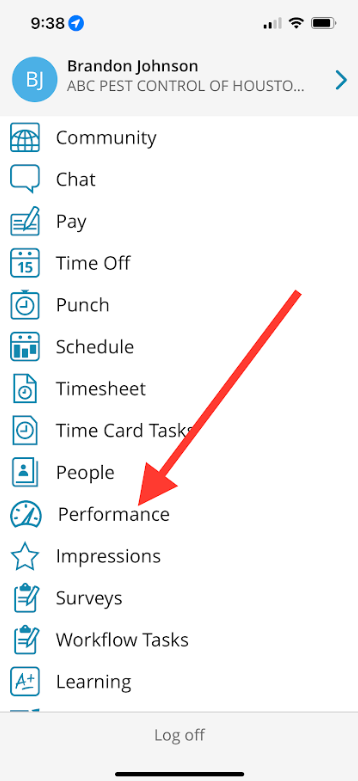
It will bring you to a page similar to this one.
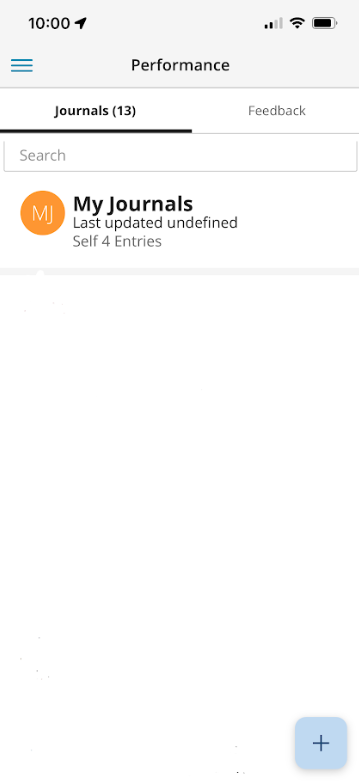
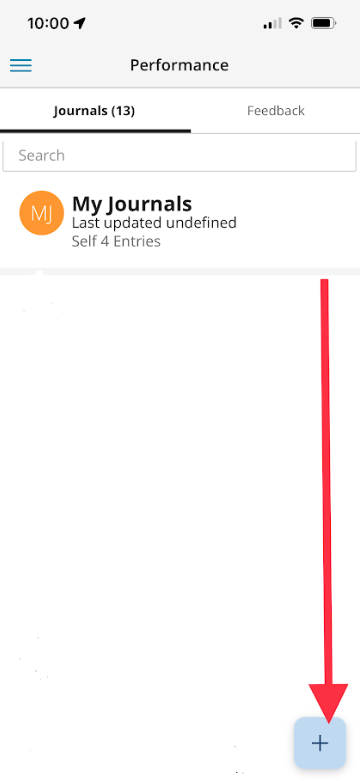
Select the plus button on the bottom right of the screen.
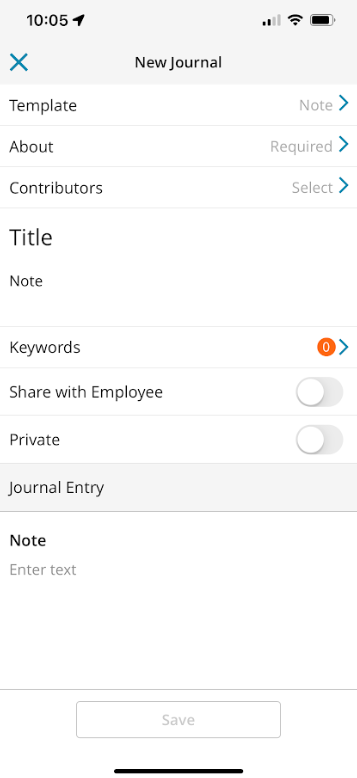
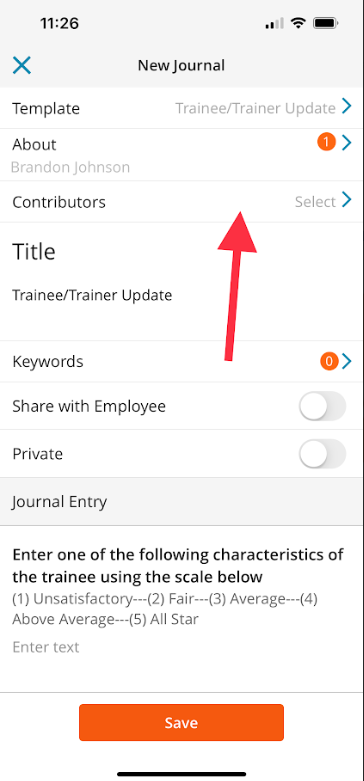
It will bring you to this screen. Here is where you will create your Journal Entry.
Select Template.
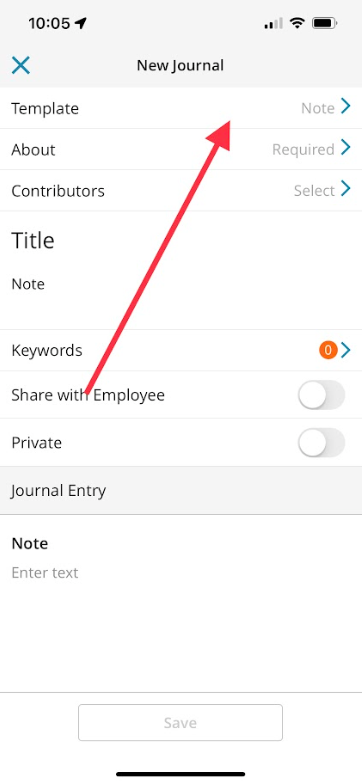
This is where you will determine the Type of Journal Entry you are making, these may include but are not limited to (most of these will primarily be used by management).
Note
Disciplinary Notice
Employee Check In
Employee Coaching
Exit Interview
Final Written Warning - Misconduct
Stay Interview
Trainee/Trainer Update
Weekly Check-In
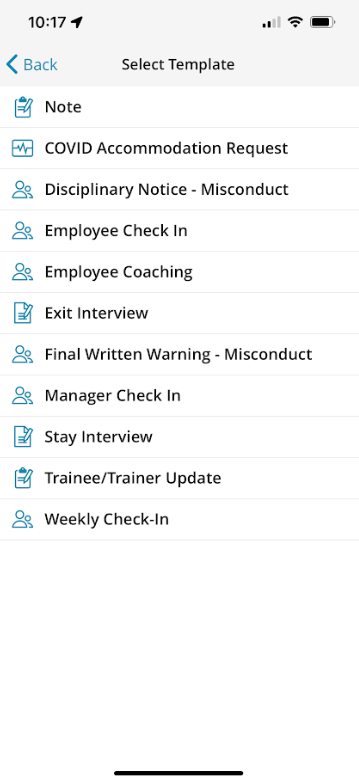
For this example we will be using the Trainee/Trainer Update Template.
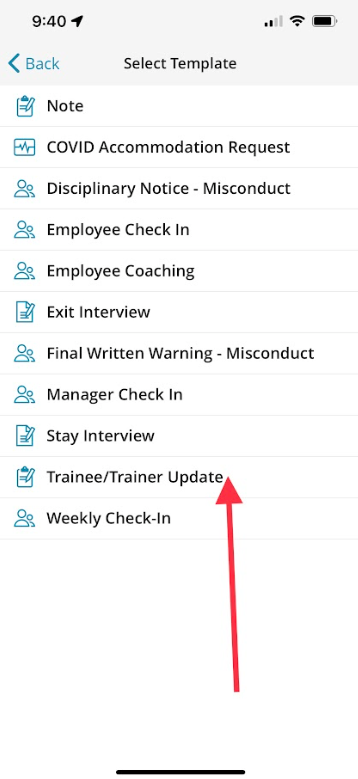
Select About
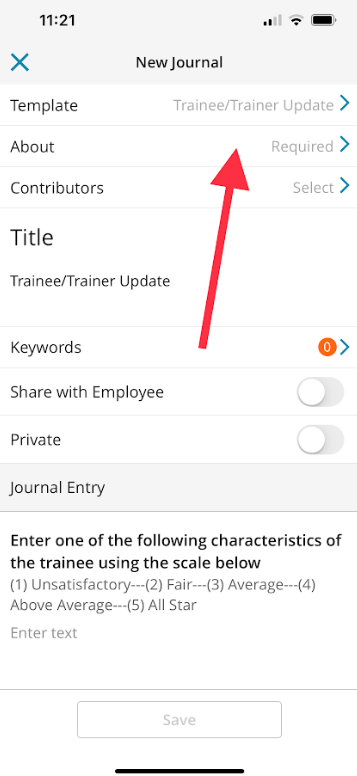
Type in the name of the person you would like to add a journal entry for.
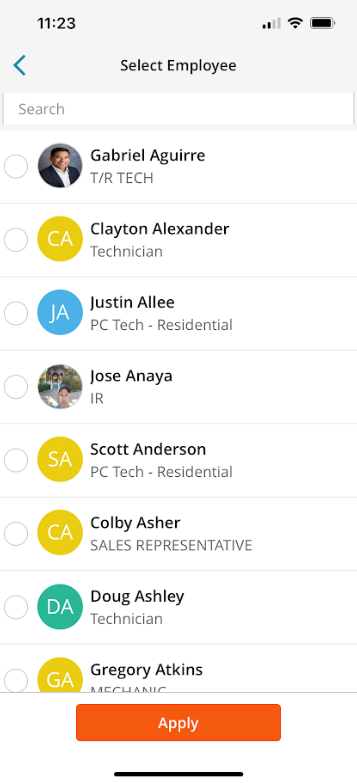
Select Apply

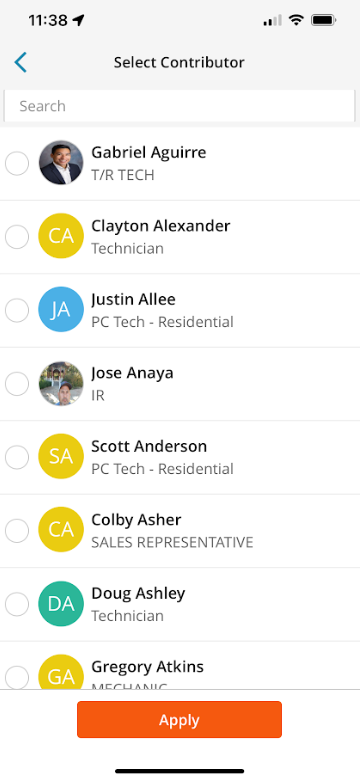
Select Contributors, this would be anyone the information should be relayed to.
Select the Training Director, HR Director, and Department Manager and all Active Department Specific Trainers.
Fill out all prompts associated with the template.
Do not select “Share with Employee” unless you would like to share it with the Employee.

If you select Private, it will not allow anyone to view the journal entry except for yourself.

Once you are satisfied with the form select Save at the bottom of the screen.

You are now finished making your journal entry.
Approved by:
Norman
Steven Martin
Ben Johnson
Was this article helpful?
That’s Great!
Thank you for your feedback
Sorry! We couldn't be helpful
Thank you for your feedback
Feedback sent
We appreciate your effort and will try to fix the article