How to access the Employee Handbook on Paylocity-App
Open the Paylocity App on your mobile device.

Login:
Company ID- 12750
Username- first initial last name (bjohnson)
Password- Your selected password.
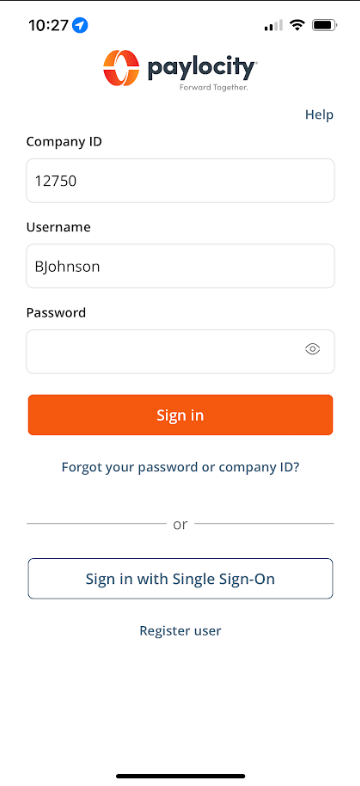
It will bring you to this screen.
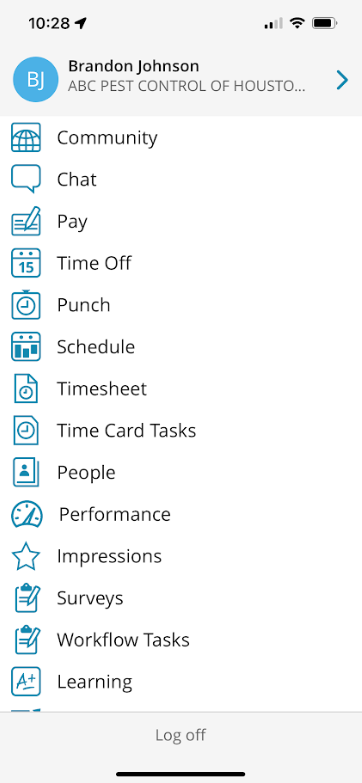
Select Company Links.

It will bring you to this page.
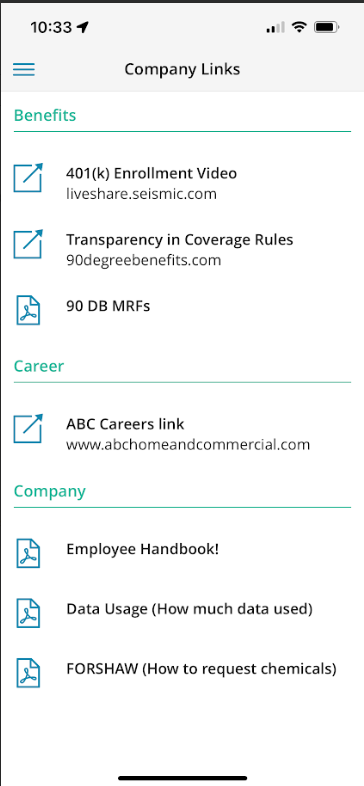
Select Employee Handbook.

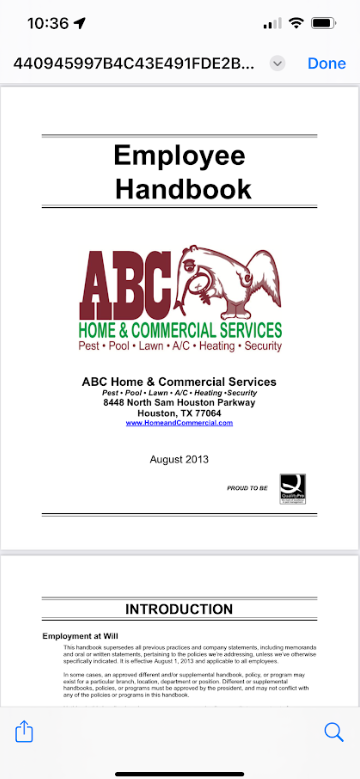
This will bring you to the ABC Employee Handbook.
The Employee Handbook is also available in the HR folder in Official ABC Processes.
Approved by:
Norman
Erika Hainey
Steven Martin
Was this article helpful?
That’s Great!
Thank you for your feedback
Sorry! We couldn't be helpful
Thank you for your feedback
Feedback sent
We appreciate your effort and will try to fix the article