Generating a Gain/Loss Report
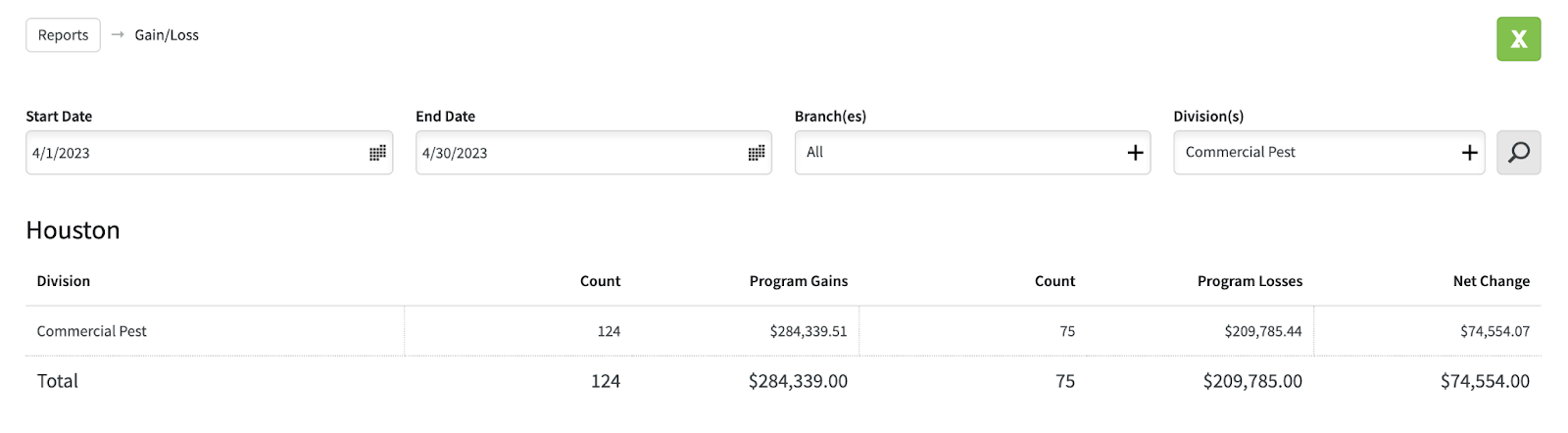
The gain/loss report measures new sales compared to programs lost on the discontinue report for a given time period. It shows you if a division or service line is increasing or decreasing by measuring new sales against cancellations.
Open the Evolve webbrowser.
Login if you are not already.

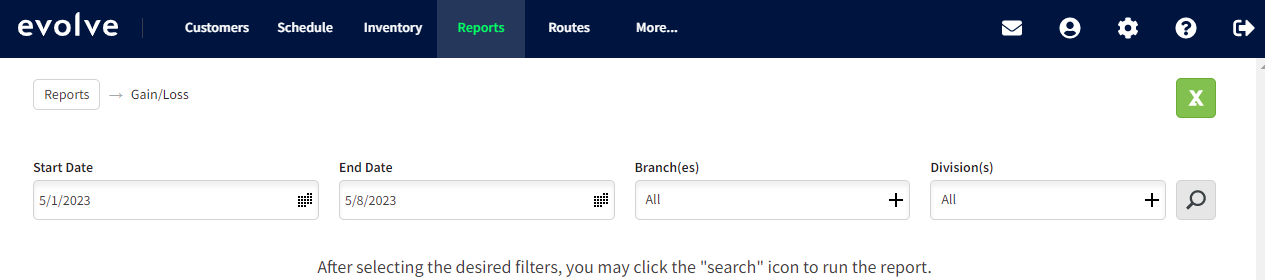
Select Reports at the Top Middle of the screen.

Select Gain/Loss

It will bring you to this screen.
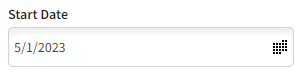
Select desired Start Date
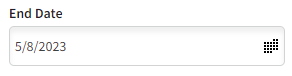
Select desired End Date
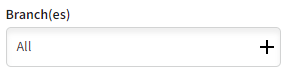
Select Branch- Houston
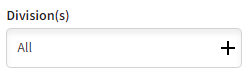
Select desired Division(s)
Click the magnifying glass. If you click the green X it will generate a spreadsheet in Excel.

The Report should look similar to this:
Approved by:
Norman
Ben Johnson, COO 05/10/23
Steven Martin
Was this article helpful?
That’s Great!
Thank you for your feedback
Sorry! We couldn't be helpful
Thank you for your feedback
Feedback sent
We appreciate your effort and will try to fix the article